What Each Approach Actually Involves
Before choosing a tool, it helps to understand exactly what each method demands from you on a day-to-day basis.
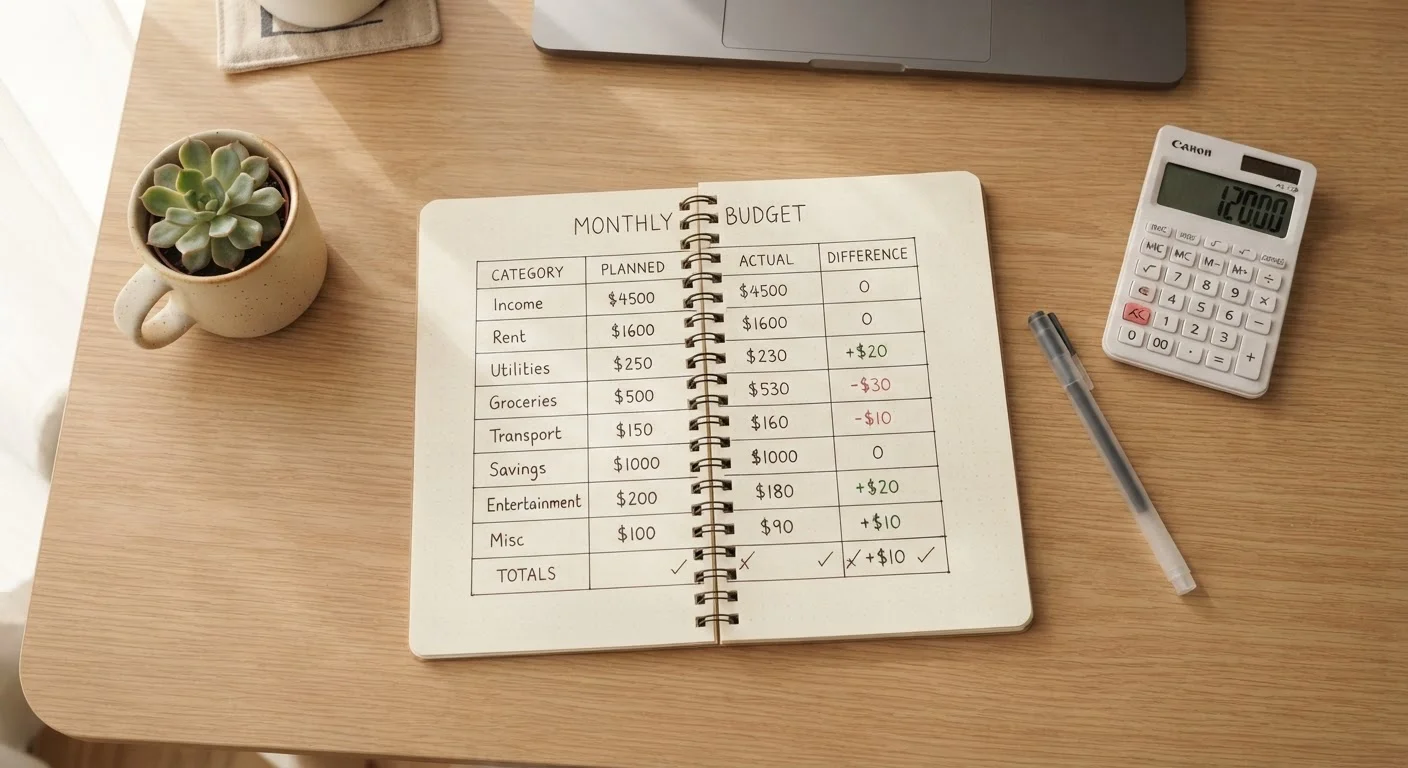
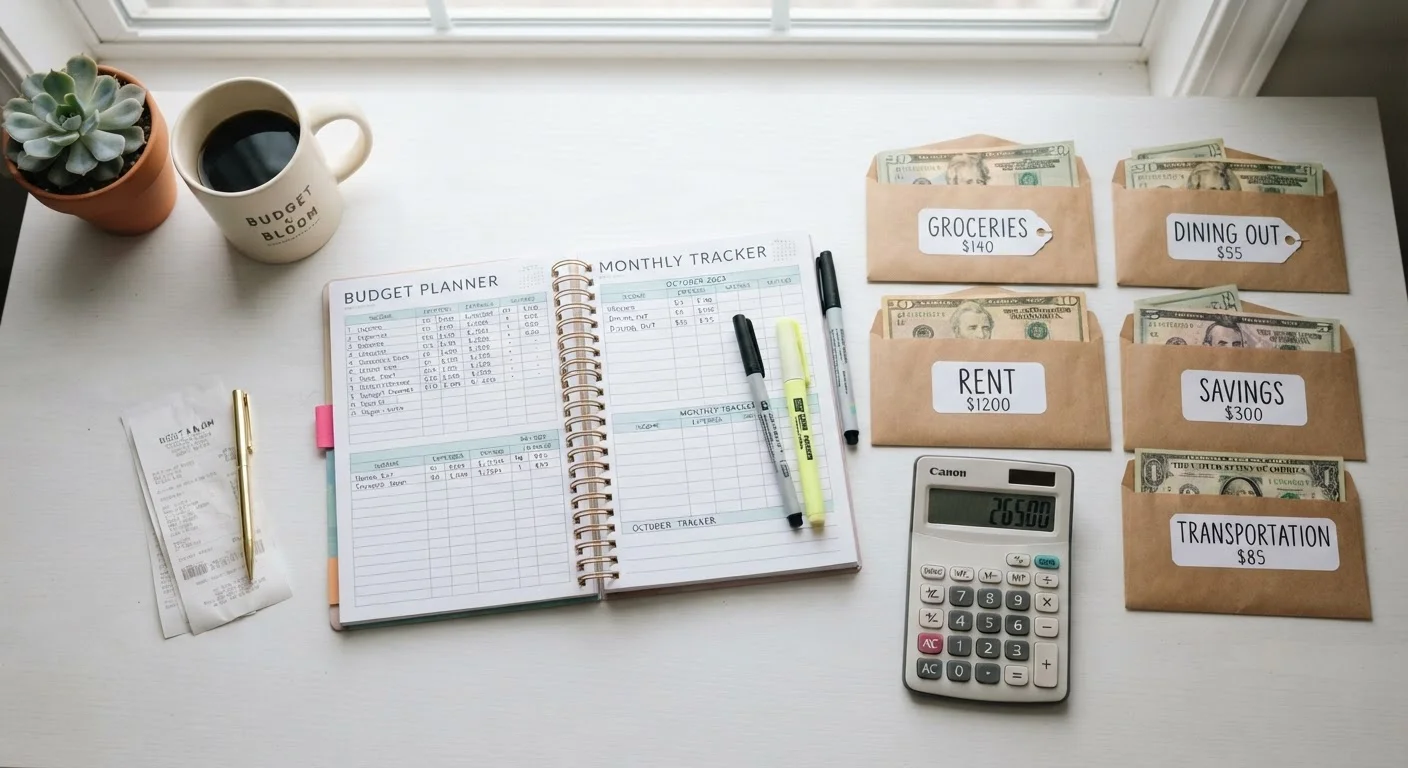
Spreadsheet budgeting means building or downloading a template in a program like Google Sheets or Microsoft Excel, then manually entering your income, fixed expenses, and variable spending - typically on a monthly basis. You design the categories, set the formulas, and update the data yourself. That manual process is both its strength and its limitation.
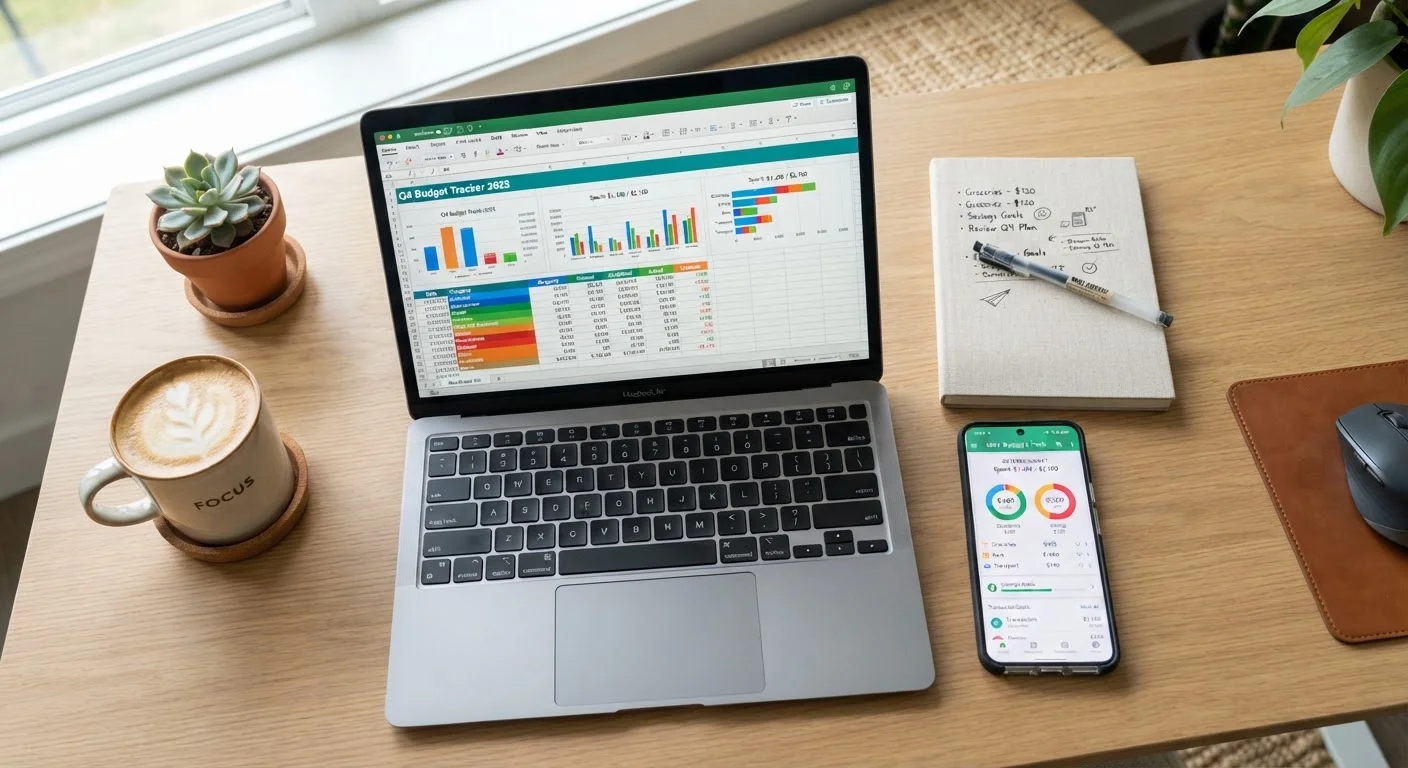
App-based budgeting means using a dedicated personal finance application. Most of these apps connect directly to your bank and credit card accounts via read-only data links, automatically importing transactions and sorting them into spending categories. You review and correct the categorization, set limits, and monitor dashboards the app generates for you.
If you're starting from scratch, our step-by-step first budget walkthrough explains the underlying process regardless of which tool you pick.
| Criterion | Spreadsheet Budgeting | App-Based Budgeting |
|---|---|---|
| Setup time | Moderate - build or customize a template | Fast - connect accounts and start |
| Data entry | Manual, ongoing | Largely automated via bank sync |
| Cost | Free (Google Sheets / Excel online) | Free tier or paid subscription |
| Customization | Unlimited - you design everything | Limited to app's built-in structure |
| Privacy / data sharing | No third-party bank connection | Requires linking financial accounts |
| Spending alerts | None built in | Push notifications and dashboards |
| Best for irregular income | Strong - fully flexible formulas | Varies by app; often limited |
| Learning curve | Moderate spreadsheet skill needed | Low - guided onboarding |
The Real Trade-Offs: Effort, Cost, and Customization
The differences between these two approaches come down to three core dimensions: how much effort they require, what they cost, and how much you can tailor them to your situation.
Effort and Time
Spreadsheets require consistent manual input. If you skip entering transactions for two weeks, your data is meaningless. Apps reduce this friction significantly - synced accounts mean your spending is recorded automatically, and you only need to spend a few minutes reviewing categorizations. For people with limited time or inconsistent habits, that automation can be the difference between using a budget and abandoning it.
Cost
Google Sheets is free. Excel is free through Microsoft's browser version. Most capable budgeting apps charge fees - typically ranging from a few dollars a month to over $10, or annual plans that lower the per-month cost. Free tiers exist for some apps but often carry feature restrictions. Factor this into your decision, especially if you're also working on building a savings habit.
Customization
Spreadsheets win here. You can build a budget structured around any framework - whether that's the 50/30/20 rule, zero-based budgeting, or a hybrid. Our comparison of popular budgeting frameworks can help you decide which approach suits your income style before you pick your tool. Apps, by contrast, usually impose their own structure, which works well for most beginners but can feel limiting as your financial life grows more complex.
~33%
US adults with a detailed monthly budget
Gallup polling has consistently found that fewer than half of American adults maintain a detailed household budget.
1 in 3
Budget users who cite consistency as their main challenge
Consumer financial surveys regularly identify keeping up with tracking - not setting up a budget - as the primary reason budgets fail.
Privacy, Security, and Data Considerations
One practical concern worth addressing directly: app-based budgeting typically involves granting a third-party service read-only access to your financial accounts through a data aggregation service. Reputable apps use bank-level encryption and do not store your login credentials directly. That said, any time financial data passes through an external service, there is some level of risk you are accepting. Reading an app's privacy policy before connecting accounts is a reasonable precaution.
Spreadsheets, by contrast, keep your data entirely local - or within your own cloud storage account - and involve no third-party bank connection. If data privacy is a significant concern for you, this is a meaningful advantage worth weighing.
A Note on Bank-Linked App Security
Most reputable budgeting apps use read-only access, meaning they can view transaction data but cannot move money. They typically connect through data aggregation services that use encrypted connections. Even so, you should review an app's privacy policy, understand what data it retains, and check whether it sells anonymized data to third parties before connecting your accounts.
For those with variable or freelance income, a spreadsheet often handles irregular paychecks more flexibly than app templates built around a fixed monthly salary. See our guide on budgeting on an irregular income for principles that pair well with either tool.
Which Tool Is Right for You?
There is no universally superior option - both tools have produced real, lasting budget success for millions of people. The honest answer is that the right tool is whichever one you will actually open and use each week.
If you respond well to structure, find manual data entry tedious, and want accountability prompts built in, an app removes the most common barriers to consistent budgeting. If you find off-the-shelf systems limiting, enjoy seeing exactly how your logic works, or simply don't want a recurring subscription, a well-designed spreadsheet can serve you for years.
You can also combine the approaches: use an app for real-time tracking throughout the month, then transfer summary numbers into a spreadsheet for longer-term planning and analysis. Some people also find that their preferred tool shifts as life changes - something our piece on budgeting across different life stages explores in more depth.
The broader goal - understanding where your money goes and directing it intentionally - matters far more than the format you use to get there. Start simple, build the habit, and adjust your tools as your confidence grows. For a comprehensive foundation, our end-to-end personal budgeting guide covers every layer from income tracking to emergency funds.
This article provides general financial information for educational purposes only and does not constitute personalised financial advice. Consult a qualified financial professional for guidance specific to your circumstances.