Why Digital Safety Is Part of Travel Safety
Most first-time international travelers think about pickpockets and passport theft - fewer think about what happens if someone gets into their phone. But your device holds bank access, email, travel bookings, photos, and often saved passwords. Losing that data can cause more disruption than losing cash.
The good news: most digital risks travelers face are addressable with habits you set up before you leave. This isn't about becoming a cybersecurity expert - it's about closing the obvious gaps that make travelers easy targets. See our pre-trip checklist for a broader look at what to confirm before departure.
Enable full-disk encryption and a strong lock screen
Before you travel, confirm that your phone and laptop have full-disk encryption turned on. On most modern iPhones and Android devices, encryption is enabled by default - but it only protects your data if you have a strong PIN or passphrase, not a simple four-digit code or pattern swipe.
On laptops, check whether FileVault (Mac) or BitLocker (Windows) is active. These features mean that even if your device is physically stolen and the drive removed, the contents remain unreadable. This single step is among the most effective things you can do, and it costs nothing.
Encryption only works when paired with a strong PIN - a six-digit code or passphrase, not a swipe pattern.
Treat public Wi-Fi as an untrusted network
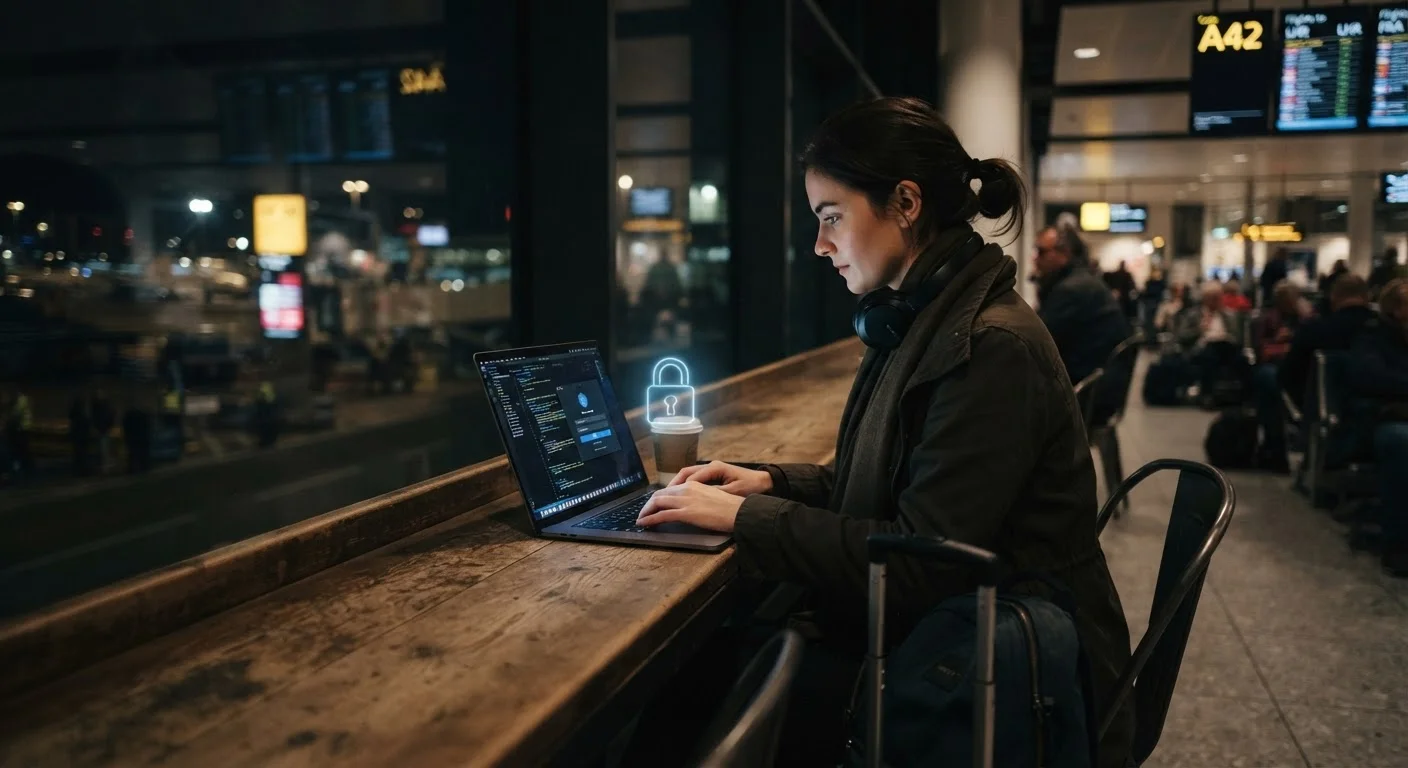
Airport, hotel, and café Wi-Fi networks are convenient but fundamentally unverified. Anyone on the same network can potentially monitor unencrypted traffic. The risk isn't that every coffee shop network is actively hostile - it's that you can't tell the difference between a legitimate network and a fake one set up to intercept connections.
Practical approach: use mobile data (your carrier plan or a local SIM) for anything sensitive - banking, email, booking changes. If you need public Wi-Fi, a reputable VPN (virtual private network) encrypts your traffic before it leaves your device. Avoid logging into financial accounts on public Wi-Fi even with a VPN if you can help it. Also check out cash vs. cards safety trade-offs to understand the broader payment risk picture.
You can't distinguish a legitimate hotel Wi-Fi from a spoofed one - treat both the same way.
Back up your data and store document copies before you leave
If your phone is stolen or confiscated, your trip doesn't have to collapse - if you prepared properly. Back up photos, contacts, and key files to a cloud service or a separate encrypted drive before departure. Store digital copies of your passport, visa, travel insurance, and bookings somewhere accessible without your primary device - a secure email draft or a trusted person back home works fine.
This is also worth thinking about from a pre-trip planning angle: a five-minute backup routine before every trip removes an entire category of worst-case scenarios.
A stolen phone is a hassle; a stolen phone with no backup is a crisis - the difference is a five-minute habit.
Understand that borders are legally different from everywhere else
This one surprises many travelers: border agents in many countries - including the United States - have broad legal authority to inspect electronic devices without a warrant. This applies to returning US citizens as well as foreign visitors. Courts have reached different conclusions on the precise scope of this authority, and the legal landscape continues to evolve.
If you're traveling to or from countries with heightened surveillance concerns, consider what data you carry. Some travelers use a dedicated travel device with minimal data, log out of sensitive accounts, or use encrypted messaging apps. None of these steps guarantee privacy at borders, but they reduce exposure. Check official government travel advisories for specific destinations - the US State Department and UK FCDO publish country-level guidance.
Border agents in many countries can legally inspect devices - this applies to US residents returning home too.
Reduce phone theft risk with physical habits
Software security doesn't help much if someone grabs your unlocked phone out of your hand. Phone snatching is common in busy tourist areas globally - often from café tables, from hands while you're looking at a map, or from back pockets in markets. Our guide on staying safe in crowded tourist spots covers the broader context.
Practical habits: keep your phone in a front pocket or an inner bag pocket, not a back pocket or the outer mesh of a daypack. Use your phone at a table against a wall rather than in the open. Enable Find My (iOS) or Find My Device (Android) before you leave - these let you remotely lock or wipe a lost device. If your phone does get stolen, report it to local police and your carrier promptly to limit financial exposure.
Most phone theft is opportunistic - simple physical habits eliminate the majority of risk.
Use two-factor authentication, but have a backup plan
Two-factor authentication (2FA) adds a meaningful layer of security to accounts. But many 2FA systems send codes via SMS - and if you're using a local SIM abroad, your home number may not receive those texts. Before you travel, switch critical accounts to an authenticator app (which generates codes locally on your device without needing cell service) rather than SMS-based codes.
Also: know what your account recovery options are if your device is lost. Most platforms offer backup codes you can print and store separately. Set these up before departure, not after your phone is gone. This kind of preparation is part of travel safety fundamentals that first-timers often overlook.
SMS-based 2FA may not work on a foreign SIM - switch to an authenticator app before you depart.
Putting It All Together
Digital safety while traveling doesn't require expensive tools or technical know-how. The habits above - encrypted devices, cautious Wi-Fi use, physical awareness in crowds, and a solid backup plan - cover the majority of real-world risks travelers encounter.
Physical and digital safety often overlap. Staying alert in busy markets protects both your wallet and your phone; you can read more about that in our guide to staying safe in crowds. For a wider look at building situational awareness abroad, see how situational awareness actually works.
Set Up a Travel Mode Routine
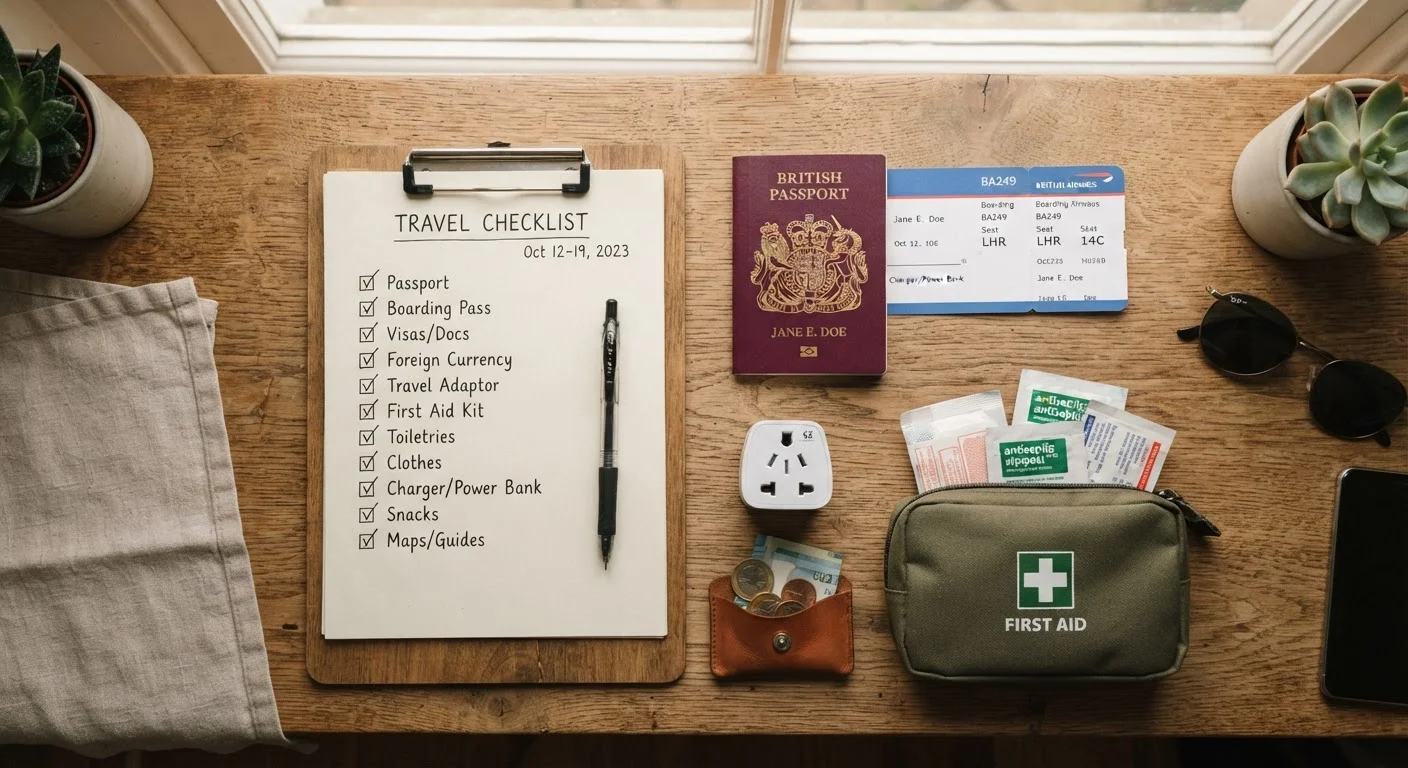
Create a simple pre-departure checklist specifically for digital prep: enable encryption, back up data, switch 2FA to an app, log out of accounts you won't need, and charge a portable battery. Running this list once before every trip takes under 30 minutes and covers the most common failure points travelers experience.
Build these steps into your standard pre-trip routine - the same way you'd check passport validity or arrange travel insurance. Doing it once, properly, before every trip takes less than an hour and removes a category of risk entirely.